| Pros/Cons | Good way to get data to GIS users. Raw data isn't useful to those that don't know what to do with it. |
| Required in order to Create | Software and data. Lots of possibilities. |
| Know-how Necessary | GIS Proficient |
| Cost | Variable |
| Requires to Use (besides the internet and a broswer) | GIS Software of some sort |
| CT Example | CT State Library 1934 Aerials and 1965 Aerials |
Any link on a web page can link to a zip file that contains data. That's easy, but tedious for multiple files. Sometimes it is helpful to use a map to locate the file (data or map or otherwise). The free image map tool makes it easy.
What is an image map? A series of hot spots that initiate other actions on a web page. The actions include opening another map or image, open or download a pdf, download a zipped file or go to a URL. The tool creates those hot spots in the shape of any polygon layer (towns, watersheds, counties, whatever).![]()
This free download creates a tool that you add to any toolbar in ArcMap.
The script then create an output html page and jpg file. The HTML page contains the hotspots that are in the shape of the input polygon. The jpg file is the background image that fits with the hotspots. You can copy the code from the html page into another web page if you like.

View this image map that is the output of the image mapper tool activity.
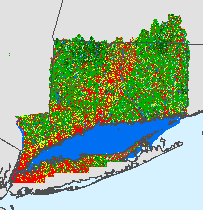
Images available for download through the RI GIS System (link to zip)
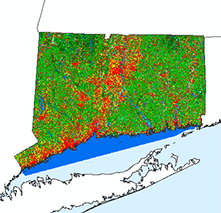
http://www.edc.uri.edu/rigis/orthosf/200304RIDOT/tif.htmlConnecticut State Library as a tool to locate 1934 aerial photographs (center points link to photo)
http://cslib.cdmhost.com/custom/State_Index.phpCLEAR Community Resource Inventory (select a record)
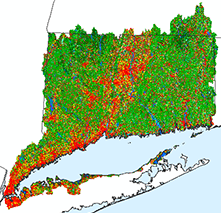
http://clear.uconn.edu/projects/cri/cri_online/00a_start.asp
Activity
| The Image Mapper Tool Activity takes you through the steps to create an image mapper and move it to an existing web page. |