GTP Home
CLEAR Home
News
Training
Research
Data
Contacts
Links
     
Training Courses and Workshops

Click the [more] link following the course title to read a brief course description. Click the [PDF] link at the end of each row to download a course description and registration form.

2008 Courses

Dates Location Links
Geospatial Technologies at Work: Introduction to GIS [more] January 7 - 11 Storrs
[PDF]
  April 21 - 25 Haddam
[PDF]
  June 23 - 27 (class full) Storrs
[PDF]
  November 3 - 7 Haddam
[PDF]
Pictures, Points & Places:
Intro to GPS
[more]
May 8 - 9 (class full) Storrs
[PDF]
  June 5 - 6 Haddam
[PDF]
  July 10 - 11 Haddam
[PDF]
  August 19 - 20 Storrs
[PDF]
  September 11 - 12 Haddam
  November 18 - 19 Haddam
[PDF]
New Course Creating and Using Geospatial Models: Introduction to ModelBuilder [more] January 17 Storrs
[PDF]
  October 1 Haddam
[PDF]
New Course Municipal Build-out Anaylsis Using GIS-based Tools [more] July 21 - 22 Haddam
[PDF]

Geospatial Technologies at Work - A Hands-on Introduction to GIS

This intensive five-day course introduces students to basic GIS concepts through the use of ArcGIS 9.2 software. It covers a wide range of topics and is designed for people with little or no experience with GIS; however, familiarity with PCs, file and folder management, and basic computing chores is required.

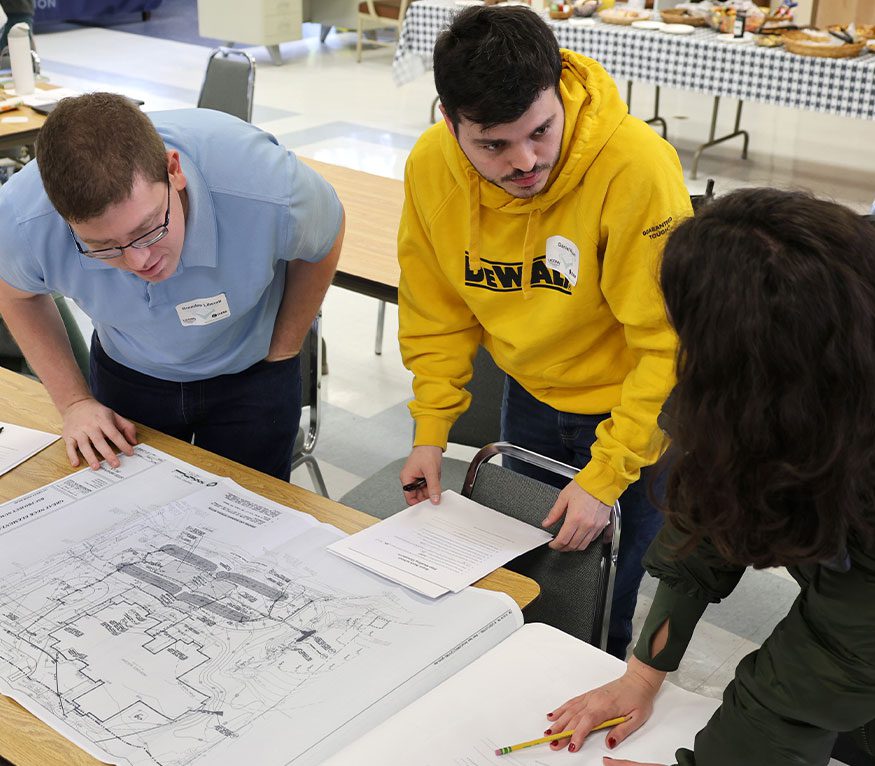
The course is organized into a series of topics that focus on specific GIS functions. Each topic is presented and discussed in a classroom setting and is followed by a hands-on lab exercise that uses the GIS tools discussed and demonstrates how the tools can be used to display, create, manage and analyze GIS data.

Course exercises are geared towards natural resource management and community planning and decision making and makes extensive use of a "typical" municipal GIS database and Connecticut's public domain geospatial datasets. Topics covered include

  • Introduction to ArcMap and ArcCatalog
  • How to work with attribute data
  • Displaying and plotting geospatial dataset
  • How to perform attribute and spatial data queries
  • How to perform spatial analyses
  • On-screen digitizing of map data, address matching, importing coordinates
  • How to georeference aerial photographs
  • Overview and use of satellite and aerial multispectral imagery
  • Finding, accessing and using data over the Internet
  • Metadata - what it is and why you need to know about it and create it

Class size is limited to 14 students.

Course fee is $400.

[Back to top]


Pictures, Points and Places - A Hands-on Introduction to GPS

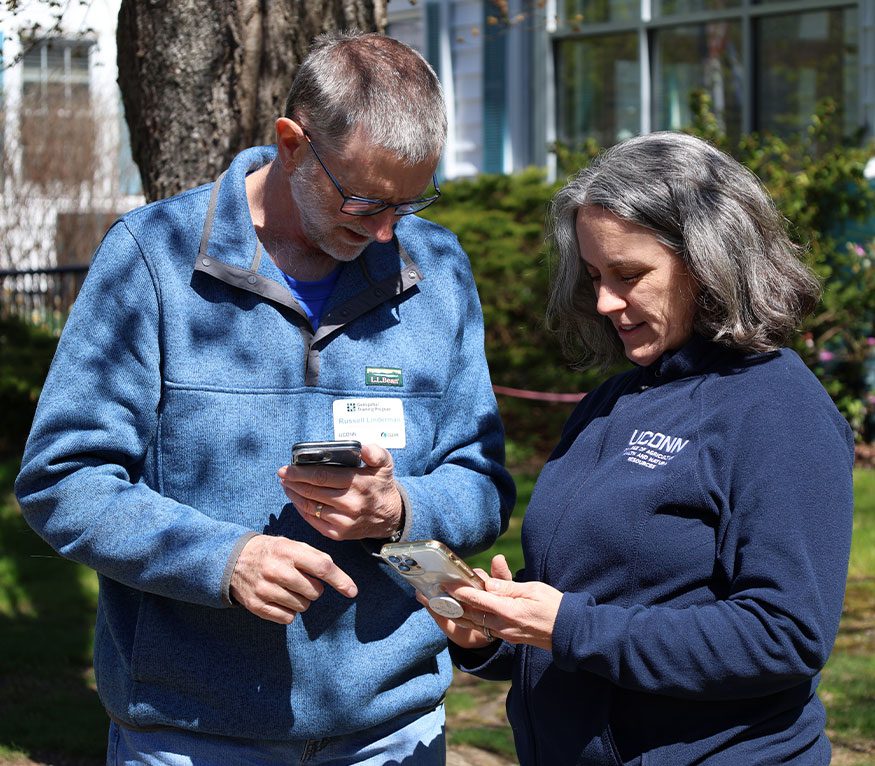
Do you want to learn how to use a GPS receiver?
Do you want to learn about free software that lets you make maps with your GPS data?
Do you want to learn how to link GPS data to digital photos on a PC?
Do you want to learn how to "publish" your GPS data and photos on Google Earth?

If you answered yes to any of these questions, then this is the course for you.

It covers a wide variety of topics from planning data collection activities to incorporation of GPS data into geographic information systems. A significant portion of the course is spent outside learning to use GPS receivers to collect points and tracks and to navigate to specific field locations. The course primarily uses two free software programs - DNRGarmin and AccuGlobe. DNRGarmin is used to transfer data to and from the GPS receivers and to convert the GPS data into a GIS (shapefile) format. AccuGlobe is a desktop GIS and is used to map and display GPS data along with other spatial datasets. (note: for students familiar with ArcMap, this software also is available and can be used in place of AccuGlobe.) The course also includes modules on 1) how to integrate GPS and digital photography to produce GIS maps with hyperlinks to field photographs, and 2) how to "publish" GPS data on Google Earth. The course is well suited for anyone interested in using GPS for recreational and/or mapping applications.

The class size is limited to 14 students. Each student will have a GPS receiver and computer to use during the training. For class logistics, click here.

  • Extensive hands-on use of Garmin GPSMap76 receivers and demonstrations of a variety of other receivers.
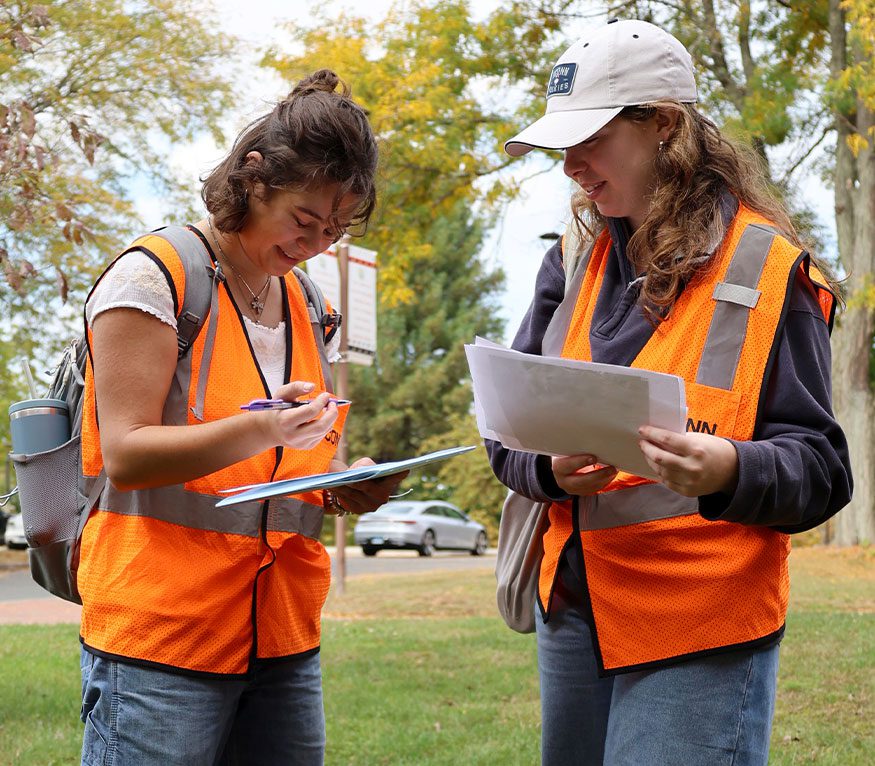
  • Extensive hands-on field activities to practice collecting geospatial field data - waypoints and tracks.
  • Transferring data between the GPS receiver and a desktop computer.
  • Using several software tools (DNRGarmin, AccuGlobe and/or ArcMap) to manage and display GPS data.
  • Processing GPS data to use in desktop geographic information systems.
  • How to "link" digital photographs to GPS locations.
  • Information on how to organize and plan effective field data collection projects.

The course fee is $100.

[Back to top]


Creating and Using Geospatial Models: An Introduction to ModelBuilder

This is a new course that introduces ArcGIS users to the capabilities and uses of ModelBuilder. The course is designed to explore how ModelBuilder works and how models can be created, edited and used to automate repetitive tasks or to run more complex analyses. While ModelBuilder is relatively simple to use, it can be a bit confusing when first getting started. Through a combination of brief classroom presentations and hands-on exercises students will learn how to:

  • Use the ModelBuilder interface to create and edit simple models
  • Add data and connect geoprocessing tasks to input/output datasets
  • Automate geoprocessing workflows
  • Establish model properties
  • Control data parameters and variables in models
  • Add models as tools to ArcToolbox
  • Run models from the ModelBuilder interface or from ArcToolbox
  • Create user documentation and help files
  • Make models generic (transferable to other ArcGIS users)

Please note: a working knowledge of ArcGIS and geoprocessing tools is required. This is not a beginner's level course.

The course fee is $100.

[Back to top]


Municipal Build-out Analysis Using GIS-based Tools

Build-out analyses are used to estimate the potential for community growth (new houses, population increases, commercial buildings, etc.) based on permitted zoning densities and land use constraints. This information can be used to assess infrastructure costs, forest fragmentation, impacts on open space and greenways, public school needs, transportation issues and other community characteristics affected by development. This two-day course explores a number of GIS-based tools from simple (using out-of-the-box ArcGIS tools) to complex (using the CommunityViz Scenario360 Build-out Analysis Extension) that can be used to conduct a build-out analysis. It is designed for individuals with ArcGIS experience and who are involved in municipal land use planning and management.

Through a combination of brief classroom presentations and hands-on exercises students will learn how to:

  • Set up and preprocess geospatial datasets to help conduct a build-out analysis
  • Run a simple build-out analysis using some CLEAR developed assessment models
  • Use the CommunityViz Scenario360 application to run a complex build-out analysis to
    • Estimate future growth
    • Develop indicators to measure impacts such as school enrollment and taxes
    • Explore different development scenarios

Please note: While this course uses CommunityViz Scenario360, it is not a comprehensive Scenario360 training course. Participation requires a working knowledge of ArcGIS and geoprocessing tools. This is not a beginner's level course.

Class size is limited to 14 students.

The course fee is $200.

[Back to top]

For information about these courses or for registration information, email Sandy Prisloe or call (860)345-5229.

Back to Top


Comments or Suggestions? Email us at sandy.prisloe@uconn.edu.

GTP Home | CLEAR Home
News | Training | Research | Data | Contacts | Links

© University of Connecticut | Disclaimer and Copyright Statement